Choose Your Moodboard Images Carefully!
The images you add to your Midjourney moodboard have a huge influence on the visual style of your final results, so be intentional about what you choose!
If you’re aiming for realistic, cinematic videos, avoid overly polished, plastic-looking AI images with unnaturally smooth skin, exaggerated facial features, and that obvious AI-generated appearance.
Why? Because if your moodboard is full of these images, Midjourney may carry that same aesthetic into your generated characters and scenes, which can ultimately make your videos look artificial and plastic too.
💡 My recommendation
Search Pinterest for references that match the aesthetic you’re trying to create. For example, if you’re creating cinematic mini movies with a 1990s feel, try searching:
Look for:
- natural skin texture
- realistic facial features
- beautiful lighting
- authentic film grain
- images that feel like actual photographs or movie stills rather than heavily filtered AI portraits
👇 The difference
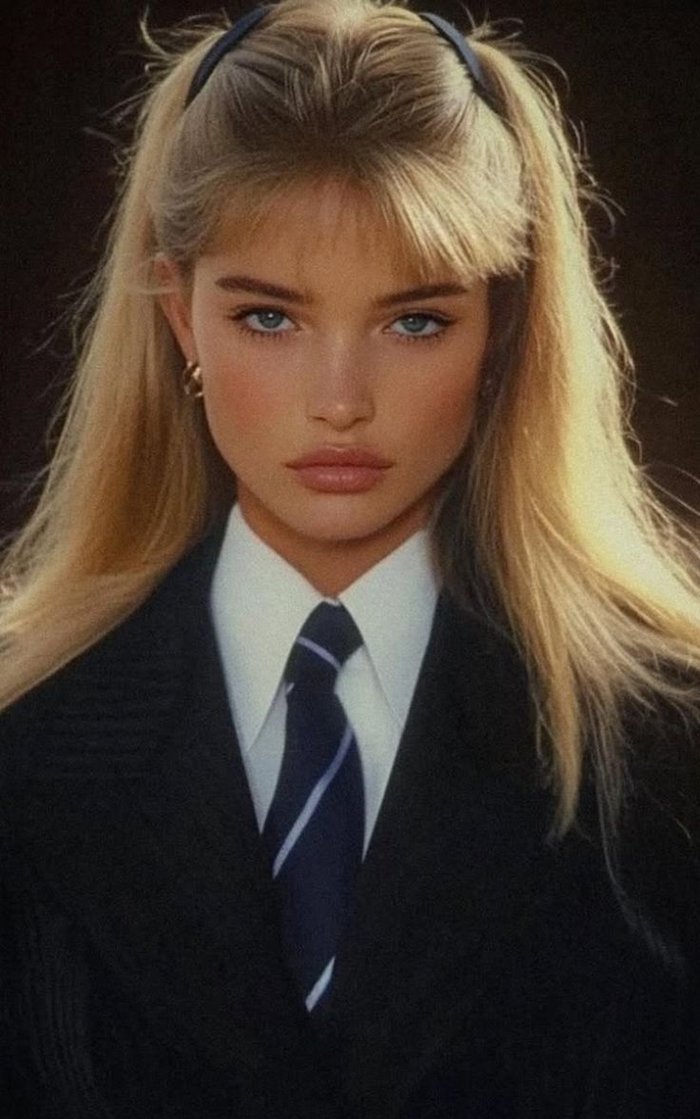
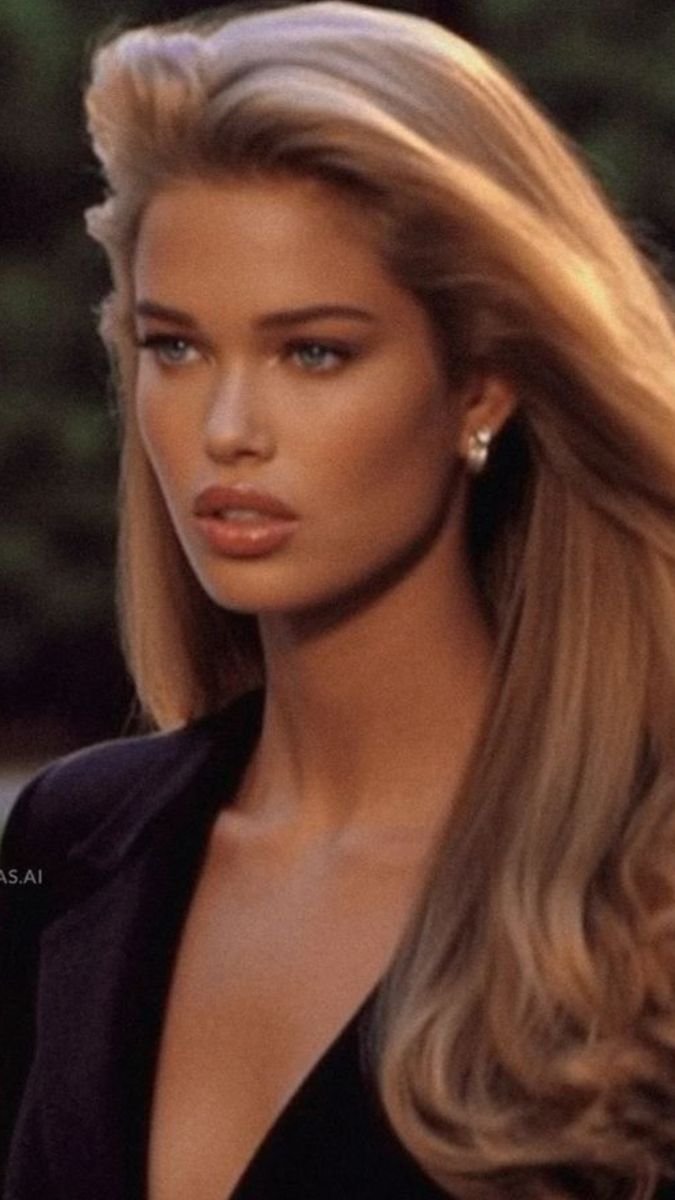
Here are examples showing the difference between images I would recommend for a realistic, cinematic moodboard and images I would personally avoid.
Realistic & Cinematic References
Overly Artificial & Plastic-Looking References
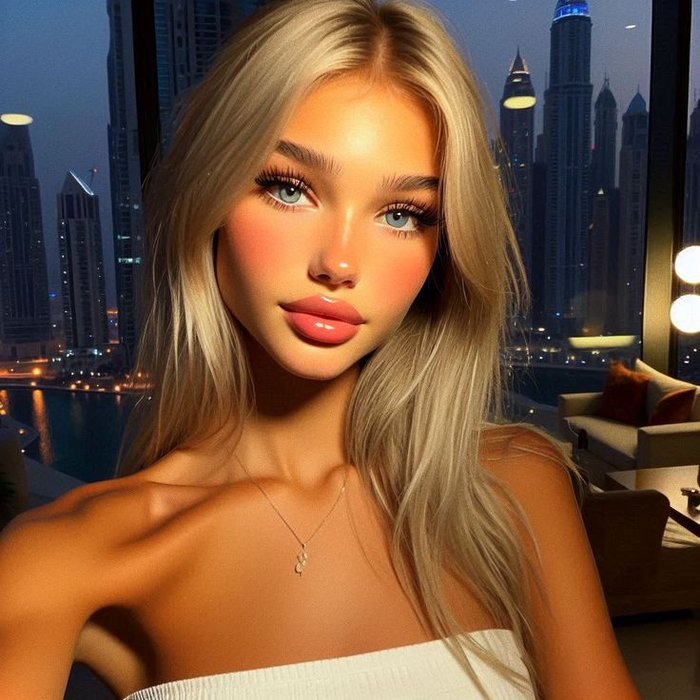
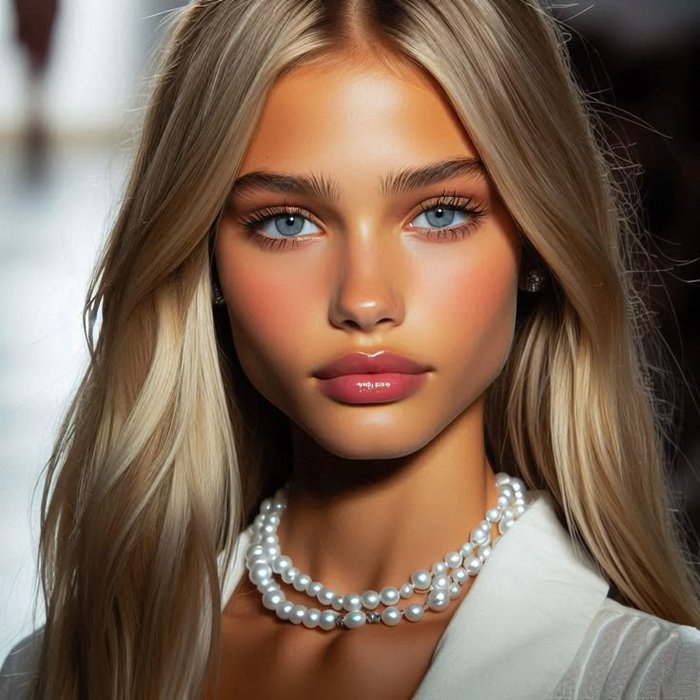
Of course, if that glossy, doll-like AI aesthetic is exactly what you’re going for, that’s completely fine too! 😂❤️
The goal isn’t to avoid AI-generated images altogether. It’s to choose references that reflect the visual style you actually want your videos to have.
Important: This applies to men’s moodboards too! The same principles apply regardless of gender. If you’re aiming for realistic, cinematic results, avoid overly polished, plastic-looking AI references when creating moodboards for your male characters as well. ❤️